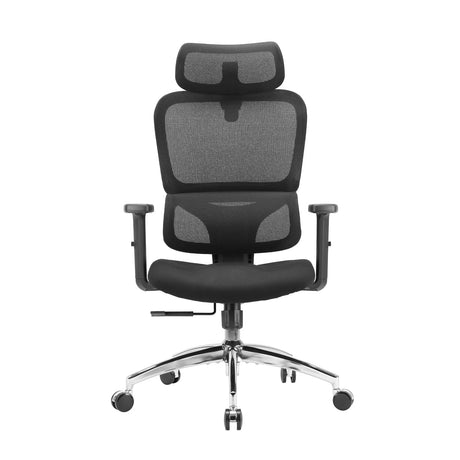
In nearly every modern workspace—offices, factories, retail environments, warehouses, and even home offices—workers are exposed to a broad range of physical and organizational risks. But among all categories of occupational hazards, ergonomic hazards often remain overlooked. They are subtle, slow-developing, and rarely dramatic in the moment, yet they contribute to some of the most persistent workplace injuries worldwide.
So what exactly are ergonomic hazards? Why do they matter? And how can businesses and individuals identify and reduce them?
This comprehensive guide breaks down everything you need to know, from definitions and examples to risk factors, prevention strategies, and the latest best practices in 2026.
1. Understanding Ergonomic Hazards
1.1 What Are Ergonomic Hazards?
Ergonomic hazards are workplace conditions that place strain on the body due to poor design of tasks, tools, environments, or workflows. They can lead to musculoskeletal disorders (MSDs)—injuries affecting muscles, tendons, ligaments, nerves, joints, and the spine.
Unlike chemical or physical hazards, ergonomic hazards often appear harmless. You won’t notice an immediate injury. Instead, damage accumulates gradually, sometimes over years, until pain, dysfunction, or chronic injury becomes unavoidable.
1.2 Why Ergonomic Hazards Are Important
Work-related MSDs are among the top causes of lost workdays globally. They contribute to:
- Reduced productivity
- Increased absenteeism
- Long-term injuries
- Lower employee satisfaction
- Higher healthcare and insurance costs
- Decreased retention
Organizations that invest in ergonomics often see measurable improvements in performance and worker well-being. In many industries, ergonomics is now considered a competitive advantage rather than an optional upgrade.
2. Common Types of Ergonomic Hazards
Ergonomic hazards generally fall into three major categories: posture-related, force-related, and repetition-related. However, additional contributing factors such as environment and organizational design can greatly amplify risks.
2.1 Poor or Awkward Posture
Posture-related hazards occur when the body is forced into unnatural, uncomfortable, or static positions. Examples include:
- Working at a desk that is too high or too low
- Leaning forward to see a monitor
- Twisting while lifting objects
- Holding a device at an awkward angle
- Performing tasks on the floor or overhead
Long-term exposure can lead to:
- Back pain
- Neck strain
- Shoulder injuries
- Spinal disc issues
- Reduced flexibility
Modern workplaces—especially those relying heavily on computer use—struggle with posture-related risks more than ever.
2.2 Repetitive Motion
Repetition is one of the most recognized ergonomic hazards. Performing the same motion continuously with insufficient rest can overload muscles and tendons.
Examples include:
- Typing for extended periods
- Scanning items at a checkout counter
- Assembly line tasks
- Moving packages in warehouses
- Data entry or digital design work
- Using handheld tools repeatedly
When repetition combines with force, speed, or awkward posture, injury risk jumps significantly.
2.3 Excessive Force
Force-related hazards involve exerting too much physical effort for a task. This may be obvious—like lifting heavy objects—or subtle, like using tools that require high grip strength.
Common sources of force hazards:
- Lifting or carrying heavy loads
- Pushing carts or equipment
- Operating stiff-cutting tools
- Opening industrial valves
- Working with poorly maintained machinery
Even force that feels manageable can cause long-term strain if performed frequently or without proper technique.
2.4 Static Muscle Load
This occurs when muscles remain contracted without movement for long periods.
Examples include:
- Standing in one spot all day
- Holding tools overhead
- Maintaining a rigid seated posture
- Supporting objects at arm’s length
Static load reduces blood circulation to muscles, accelerating fatigue and increasing injury risk.
2.5 Environmental Factors
Environmental conditions can magnify ergonomic hazards:
- Poor lighting (causing workers to lean forward or squint)
- Cold temperatures (reducing dexterity)
- High vibration (from power tools or machinery)
- Noisy environments (causing tension in the neck and shoulders)
Ergonomics isn’t just about posture—it’s also about how surroundings influence body movement.
2.6 Work Organization Hazards
These include workflow, scheduling, and job design issues such as:
- Insufficient rest breaks
- High workloads
- Poorly planned task sequences
- Unrealistic time pressure
- Limited task variation
When jobs are structured inefficiently, workers often sacrifice proper ergonomics to meet demands.
3. Real-World Examples of Ergonomic Hazards Across Industries
Ergonomic risks exist everywhere. Below are industry-specific examples to help illustrate where issues commonly appear.
3.1 Office Work
- Non-adjustable chairs
- Low-quality seating with inadequate lumbar support
- Screens positioned too low or too high
- Keyboard and mouse placed too far away
- Prolonged sitting
- Poor desk height
Office workers frequently develop neck, shoulder, back, and wrist discomfort.
3.2 Manufacturing & Assembly
- Repetitive assembly motions
- Vibrating tools
- Lifting heavy components
- Poor workstation layout
- Forceful gripping or pulling
Assembly-line jobs combine repetition, force, and awkward posture—a high-risk combination.
3.3 Healthcare
- Transferring or repositioning patients
- Leaning over beds
- Standing for long shifts
- Pushing medical equipment
- Working in tight spaces
Healthcare workers face some of the highest ergonomic risks worldwide.
3.4 Retail & Warehousing
- Stocking shelves overhead
- Repetitive scanning
- Lifting and carrying goods
- Pushing heavy carts
- Bending into storage racks
These roles often involve both physical strain and repetitive tasks.
3.5 Construction
- Handling heavy materials
- Working overhead
- Using power tools
- Climbing scaffolding
- Working in awkward outdoor environments
Construction workers encounter force, posture, vibration, and environmental risks simultaneously.
4. Early Warning Signs of Ergonomic Problems
Ergonomic issues rarely start with sudden injury. Instead, they appear as subtle warning signs that escalate over time.
Common Early Symptoms Include:
- Persistent muscle stiffness
- Tingling or numbness (common in wrists or fingers)
- Localized pain during specific tasks
- Fatigue at the end of the workday
- Swelling or reduced range of motion
- Feeling “tired” in one specific joint or muscle
- Temporary relief after breaks
Ignoring early signs often leads to chronic MSDs that may require prolonged recovery.
5. Long-Term Consequences of Ignoring Ergonomic Hazards
When ergonomic hazards remain unresolved, long-term outcomes can be serious:
- Chronic back, neck, or shoulder pain
- Tendonitis
- Carpal tunnel syndrome
- Rotator cuff injuries
- Herniated discs
- Joint degeneration
- Reduced grip strength
- Permanent nerve damage
For organizations, this leads to increased medical claims, reduced efficiency, and costly employee turnover.
6. How to Identify Ergonomic Hazards in the Workplace
Effective ergonomic assessment combines observation, worker feedback, and measurement.
6.1 Conduct Workplace Assessments
Ergonomic assessments typically analyze:
- Workstation setup
- Postures
- Task duration
- Equipment design
- Environmental conditions
- Workflows
- Repetition frequency
Tools like RULA, REBA, or NIOSH lifting guidelines can help evaluate risk levels.
6.2 Gather Worker Feedback
Employees often recognize ergonomic issues before managers do. Structured surveys, interviews, and feedback loops help identify:
- Pain points
- Inefficient workflows
- Equipment issues
- Overly repetitive tasks
6.3 Monitor Productivity and Injury Data
Patterns of absenteeism or recurring injury types often point to underlying ergonomic problems.
7. Best Practices for Preventing Ergonomic Hazards
Ergonomics aims to fit the job to the person—not the person to the job. Prevention strategies should be holistic, combining engineering, administrative improvements, and personal awareness.
7.1 Engineering Controls (Highest Impact)
These involve redesigning tools, equipment, or workspaces.
Examples:
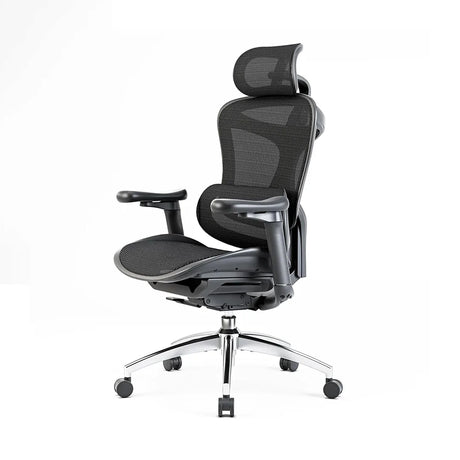
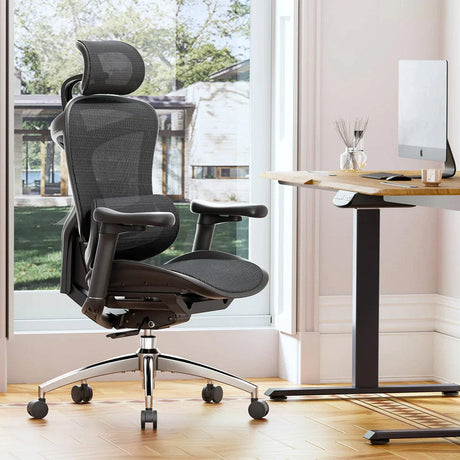
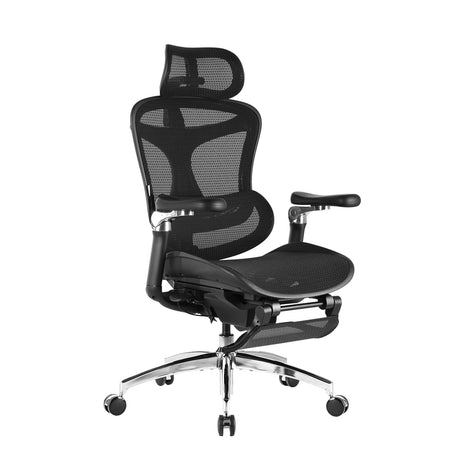
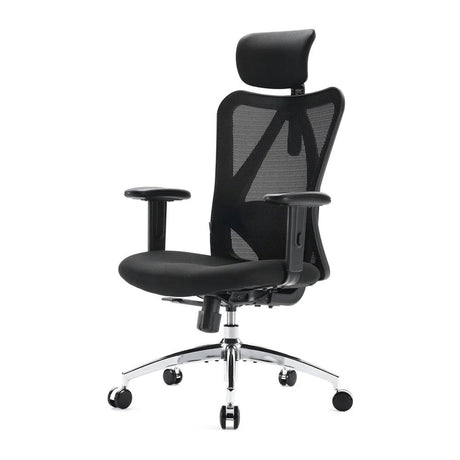
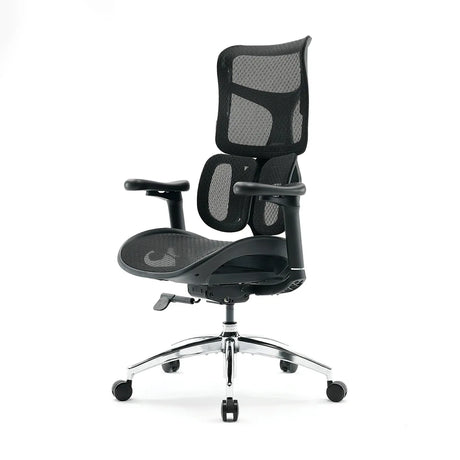
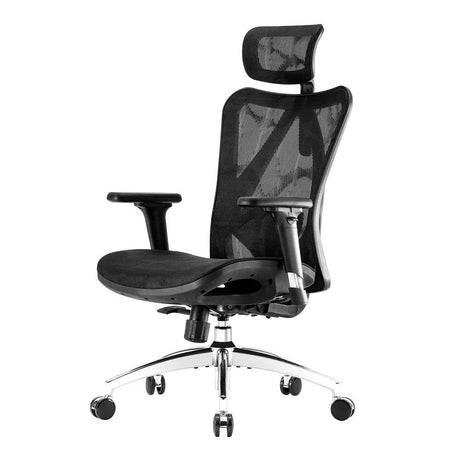
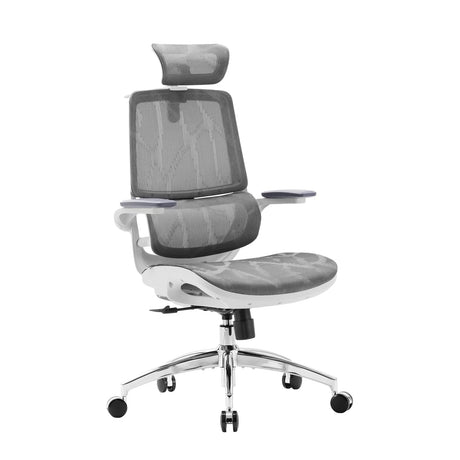
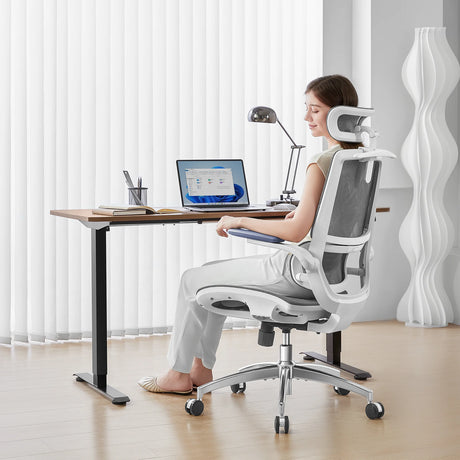
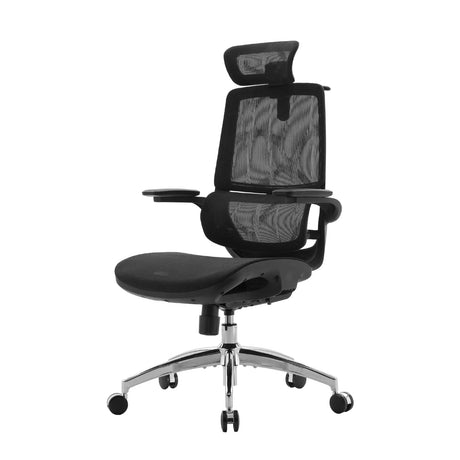
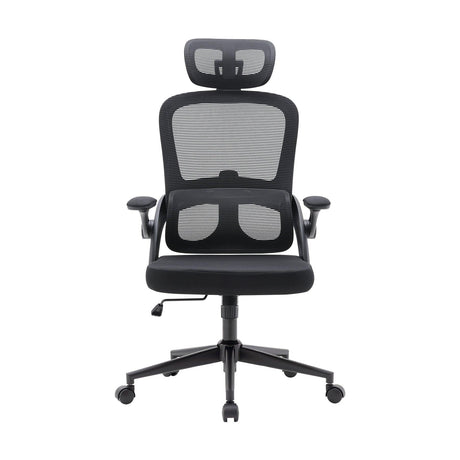
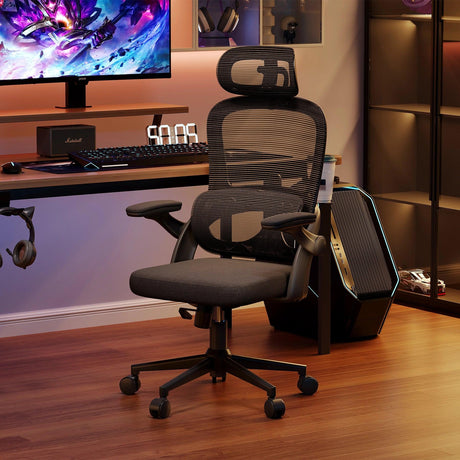
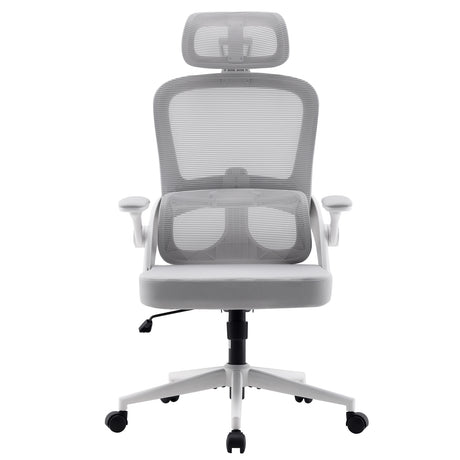
- Adjustable chairs with proper lumbar support
- Sit-stand desks
- Monitor arms
- Keyboard trays
- Anti-fatigue mats
- Mechanical lifting aids
- Conveyor systems
- Height-adjustable workstations
Engineering improvements reduce physical strain at the source.
7.2 Administrative Controls
These modify how work is organized.
Examples:
- Job rotation
- Scheduling adequate breaks
- Reducing repetitive tasks
- Adjusting workloads
- Implementing safety guidelines
- Supervising technique and posture
Administrative measures help ensure workers have enough recovery time.
7.3 Behavioral & Training Solutions
Even with the best ergonomic setup, workers need training to use it effectively.
Training should cover:
- Proper lifting techniques
- Neutral posture principles
- How to set up a workstation
- How to adjust chairs and equipment
- Recognizing early signs of strain
7.4 Modern Ergonomic Furniture & Tools
High-quality ergonomic equipment plays a major role in injury prevention today, including:
- Dynamic-lumbar-support office chairs
- Adjustable standing desks
- Curved or split keyboards
- Vertical mice
- Tool handles designed for neutral wrist postures
As remote and hybrid work environments grow, so does the need for accessible ergonomic equipment.
7.5 Encouraging Movement
Prolonged sitting or standing should be avoided.
Workers should aim for:
- Micro-breaks every 20–30 minutes
- A mix of sitting and standing
- Stretching during breaks
- Light movement throughout the day
Movement increases circulation and reduces fatigue.
8. The Role of Technology in Modern Ergonomics
Workplace ergonomics has evolved significantly with advancements in technology.
8.1 Smart Office Furniture
Some ergonomic chairs and desks now include:
- Posture reminders
- Pressure sensors
- Auto-adjusting lumbar systems
- Height presets
- Integrated wellness tracking
These features help users maintain healthier habits throughout the day.
8.2 AI and Monitoring Tools
AI-driven analytics can identify ergonomic risks by:
- Tracking posture through sensors
- Monitoring movement frequency
- Analyzing workflow strain
- Offering personalized recommendations
8.3 Virtual Ergonomic Assessments
With remote work, virtual assessments—via video or AI-based posture analysis—are increasingly common.
8.4 Wearable Devices
Wearable sensors detect:
- Slouching
- Excessive load-lifting
- Fatigue signals
- Awkward motions
These tools allow real-time corrective feedback.
9. Creating an Ergonomics-First Workplace Culture
Ergonomic improvements are most successful when integrated into workplace culture.
Key Elements Include:
- Leadership support
- Employee participation
- Transparent reporting systems
- Regular training
- Continuous improvement mindset
- Investment in quality equipment
Organizations that adopt ergonomics as a proactive strategy see long-term benefits in safety, morale, and productivity.
10. Summary: Why Ergonomic Hazards Matter More Than Ever
Ergonomic hazards are among the most widespread but preventable workplace risks. As work environments become increasingly digital and fast-paced, employee well-being depends heavily on how well tasks, tools, and workstations are designed.
By identifying and addressing ergonomic hazards early, workplaces can reduce injuries, improve performance, and support healthier, happier workers.
Whether you’re an employer, safety manager, or remote worker setting up your home office, understanding ergonomic hazards is the first step toward creating a safer, more efficient work environment.
FAQ: Ergonomic Hazards
1. What is the main cause of ergonomic hazards?
The primary causes include poor workstation design, repetitive motion, awkward posture, insufficient breaks, and tasks requiring excessive physical force. Often, hazards arise from a combination of factors rather than a single cause.
2. Are ergonomic hazards only found in physical jobs?
No. Office workers are among the most affected groups, especially due to prolonged sitting, poor posture, and repetitive typing.
3. What are early signs of ergonomic-related injury?
Common early indicators include muscle tightness, mild pain, numbness, tingling, fatigue, reduced flexibility, and discomfort during repetitive tasks.
4. Can ergonomic hazards be eliminated entirely?
Completely eliminating all hazards is rare, but they can be significantly reduced through workspace design, equipment upgrades, proper training, and organizational improvements.
5. How often should ergonomic assessments be conducted?
At minimum, once a year. However, assessments should also be done when roles change, new equipment is introduced, or workers report discomfort.
6. What tools help reduce ergonomic hazards in an office?
High-quality ergonomic chairs, adjustable desks, monitor arms, footrests, supportive keyboards, and vertically aligned mice all help reduce risk.
7. Do standing desks eliminate ergonomic problems?
Standing desks help reduce prolonged sitting, but they must be used correctly. Alternating between sitting and standing is more effective than standing all day.
8. Is training really necessary if ergonomic equipment is already provided?
Yes. Improper use of ergonomic tools still leads to strain. Training ensures workers adjust equipment correctly and adopt healthier postures.
9. Can ergonomic hazards cause long-term health issues?
Yes. Untreated ergonomic hazards can lead to chronic musculoskeletal disorders, joint degeneration, and nerve injuries.
10. What is the best first step for reducing ergonomic hazards at work?
Start with a comprehensive ergonomic assessment covering posture, tools, environment, and workflow. This provides a clear baseline for improvement.