Modern workplaces—whether offices, factories, warehouses, laboratories, or even home offices—are filled with subtle risks that don’t always look dangerous at first glance. A chair that doesn’t adjust correctly, a workstation set at the wrong height, repetitive movements performed for hours, or even poor lighting can slowly create conditions that lead to fatigue, discomfort, musculoskeletal strain, and long-term injury. These risks are known as ergonomic hazards.
For businesses committed to productivity and employee wellbeing, understanding the five core ergonomic hazard categories is essential. These hazards are among the most common causes of work-related musculoskeletal disorders (WMSDs) and often lead to increased absenteeism, lost productivity, and rising healthcare costs.
This comprehensive guide explores the five ergonomic hazards, explains how they affect the body, and offers practical recommendations for prevention. Whether you are an employer, safety manager, or someone looking to improve your personal work setup, this article will help you create a safer, healthier work environment.
Table of Contents
- Introduction
-
What Is an Ergonomic Hazard?
- The Five Ergonomic Hazards
- How Ergonomic Hazards Affect Workplace Health
- The Link Between Office Work, Home Workstations, and Ergonomic Risk
- How to Identify Ergonomic Hazards in Your Workplace
- Practical Prevention Strategies
- Using Ergonomic Furniture to Reduce Risk
- Final Thoughts
- FAQs
1. Introduction
While many workplace dangers are immediate—slips, electrical hazards, falls, machine-related injuries—ergonomic hazards are more subtle. They develop gradually, often without noticeable symptoms at first. Over time, they can lead to serious discomfort or chronic injuries affecting the muscles, tendons, nerves, and joints.
The challenge with ergonomic hazards is that they are often invisible in daily routines. Typing for hours without breaks may feel harmless in the moment. Lifting a few heavy boxes might not cause pain right away. Sitting in a chair without proper lumbar support may feel tolerable for a week or even months. But these seemingly small issues accumulate.
That is why businesses and individuals need to recognize, evaluate, and address ergonomic hazards proactively. A well-designed workplace reduces injury risks, enhances productivity, and supports overall wellbeing.
2. What Is an Ergonomic Hazard?
An ergonomic hazard is any workplace condition that strains the body, increases fatigue, or forces the muscles, joints, or nervous system to work harder than they should. These hazards disrupt the natural movement patterns of the body, pushing it into positions or activities that are uncomfortable, inefficient, or unsafe.
To help readers learn more, here is the anchor link you requested:
Ergonomic hazards appear in every industry—not just manufacturing or physical labor. Office workers, teachers, drivers, healthcare professionals, and remote workers all experience ergonomic challenges every day.
Common examples include:
- Sitting too long with poor posture
- Using a keyboard or mouse that isn’t positioned correctly
- Reaching overhead for supplies
- Using excessive force when handling tools
- Working in extreme heat or cold
Understanding these hazards allows organizations and individuals to redesign tasks, tools, and environments to prevent strain and injury.
3. The Five Ergonomic Hazards
Ergonomic hazards can be divided into five major categories. All five interact with each other, and a single job or activity may involve multiple hazards at the same time.
1. Repetition
Repetitive tasks involve performing the same motion again and again for extended periods. Repetition is one of the most common ergonomic hazards in modern work.
Examples of repetitive tasks
- Typing for long periods
- Scanning items in retail
- Assembly line tasks
- Sorting, packing, or labeling products
- Using hand tools repeatedly
- Data entry
- Hairdressing or cosmetology work
Why repetition is harmful
Repetitive movements overload specific muscle groups or tendons without giving them time to rest or recover. This leads to inflammation, fatigue, and, in severe cases, conditions such as tendonitis or carpal tunnel syndrome.
Signs of repetitive strain
- Gradual onset of discomfort
- Tingling or numbness
- Decreased strength
- Reduced range of motion
- Pain that worsens throughout the day
Repetition becomes especially hazardous when paired with forceful exertions or awkward posture.
2. Awkward or Static Postures
Another major ergonomic hazard involves holding awkward positions or maintaining the same posture for long periods.
What counts as awkward or static posture?
- Bending or twisting the back
- Hunching over a keyboard
- Reaching above shoulder height
- Working with wrists bent rather than straight
- Standing still without movement
- Sitting without lumbar support
How posture affects the body
The human body is built to move. When posture becomes awkward or static:
- Muscles tire more quickly
- Blood flow decreases
- Joints experience increased pressure
- The spine and neck lose natural alignment
This hazard is especially common in office environments, where workers sit in front of screens for long durations.
3. Forceful Exertions
Forceful exertions refer to work that requires significant physical effort, such as lifting, pushing, pulling, gripping, or carrying heavy objects.
Where forceful exertions occur
- Manufacturing and assembly lines
- Warehousing and logistics
- Construction
- Food service
- Nursing (lifting patients)
- Agricultural work
In office settings, this hazard is less common but still appears, especially when rearranging furniture, lifting boxes of paper, or pushing heavy carts.
Why force matters
Excessive force places direct strain on:
- Muscles
- Tendons
- Ligaments
- Spinal discs
The risk increases significantly when forceful exertion is combined with awkward posture or repetition.
4. Contact Stress
Contact stress occurs when a hard or sharp object presses into the skin or underlying tissues.
Common causes of contact stress
- Leaning forearms on the edge of a desk
- Using hand tools with thin or hard handles
- Kneeling on hard surfaces
- Resting wrists against the sharp edges of a keyboard tray
Even small amounts of pressure can compress nerves and restrict blood flow, leading to discomfort or injury.
5. Environmental Factors
Environmental conditions can amplify ergonomic risks.
Examples of environmental ergonomic hazards
- Poor lighting that forces workers to lean forward or squint
- Excessive heat that accelerates muscle fatigue
- Vibrations from tools or machinery
- Cold temperatures that reduce dexterity
- Noise that leads to tension and stress-related posture issues
Environmental hazards often interact with other ergonomic issues, making tasks more physically taxing.
4. How Ergonomic Hazards Affect Workplace Health
Ergonomic hazards may seem minor in isolation, but their combined impact is significant. Over time, they contribute to:
Work-Related Musculoskeletal Disorders (WMSDs)
These include:
- Carpal tunnel syndrome
- Tendonitis
- Lower back pain
- Neck strain
- Shoulder injuries
- Bursitis
Decreased Productivity
Discomfort affects concentration, speed, and efficiency.
Absenteeism
Workers with ergonomic-related pain are more likely to miss work.
Higher Healthcare Costs
Both for workers and employers.
Long-Term Health Issues
Years of poor ergonomics can lead to chronic pain, reduced mobility, and permanent injury.
5. The Link Between Office Work, Home Workstations, and Ergonomic Risk
As hybrid and remote work become more common, many people are now exposed to ergonomic hazards outside the office.
Common home-office issues
- Working at the dining table
- Sitting on non-ergonomic chairs
- Using laptops without external keyboards or monitors
- Poor lighting or screen glare
- Lack of movement breaks
These improvised setups often lack adjustability and support, making ergonomic awareness more important than ever.
6. How to Identify Ergonomic Hazards in Your Workplace
Reducing ergonomic risk starts with recognizing problem areas.
Ergonomic assessment tools include:
- Observation checklists
- Employee surveys
- Posture analysis
- Task breakdown studies
- Equipment inspections
- Workstation measurements
Key questions to ask:
- Are workers repeating the same movements repeatedly?
- Are there complaints of discomfort or fatigue?
- Do workstations support neutral posture?
- Are tools and materials placed within easy reach?
- Are environmental conditions contributing to strain?
Early detection allows organizations to take corrective action before injuries occur.
7. Practical Prevention Strategies
Ergonomic hazards can be significantly reduced through a combination of equipment adjustments, workflow improvements, and worker education.
1. Improve Workstation Design
A well-designed workstation supports neutral posture:
- Screen at eye level
- Chair with lumbar support
- Keyboard and mouse within easy reach
- Feet flat on the floor or on a footrest
2. Introduce Movement and Microbreaks
Movement counteracts static posture.
- Stand up every 30–45 minutes
- Stretch major muscle groups
- Walk for short intervals
- Perform gentle neck and shoulder exercises
3. Optimize Work Techniques
Proper body mechanics reduce stress:
- Lift with your legs, not your back
- Keep loads close to the body
- Avoid twisting while lifting
- Push rather than pull when possible
4. Reduce Repetition
Possible adjustments include:
- Task rotation
- Automated tools
- Scheduling breaks
- Splitting repetitive tasks across teams
5. Control Environmental Conditions
Small improvements make a difference:
- Add task lighting
- Adjust room temperature
- Minimize noise
- Reduce glare on screens
8. Using Ergonomic Furniture to Reduce Risk
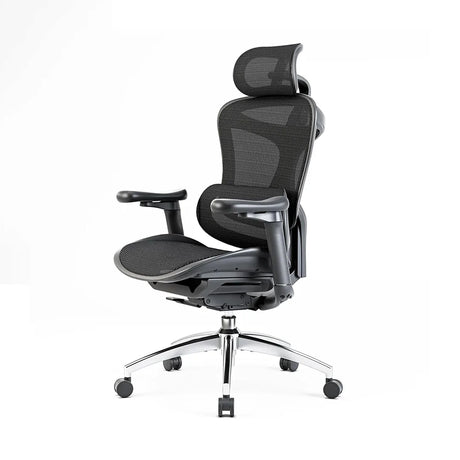
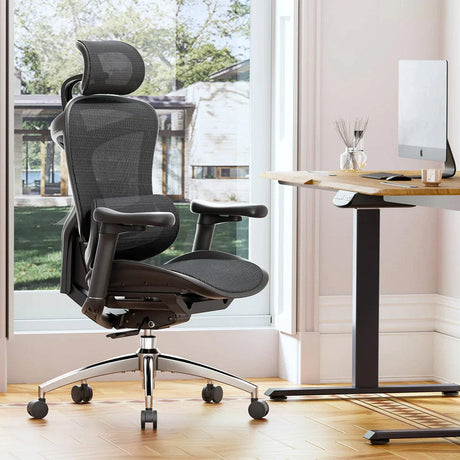
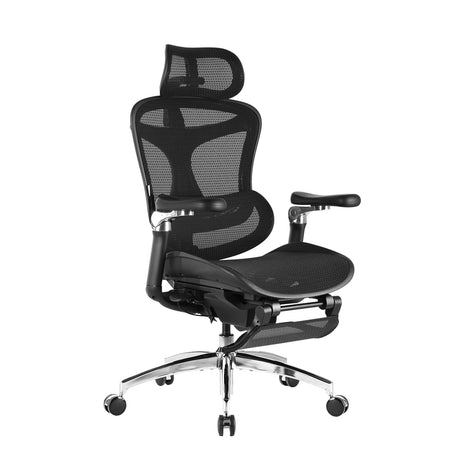
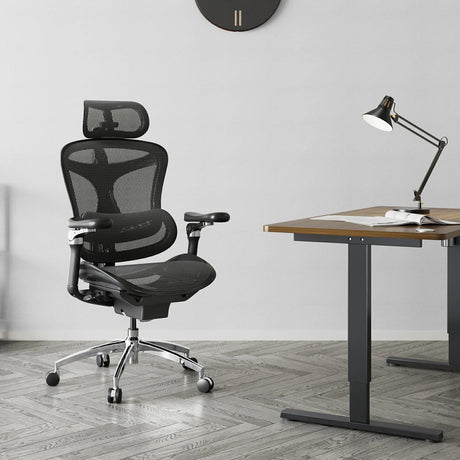
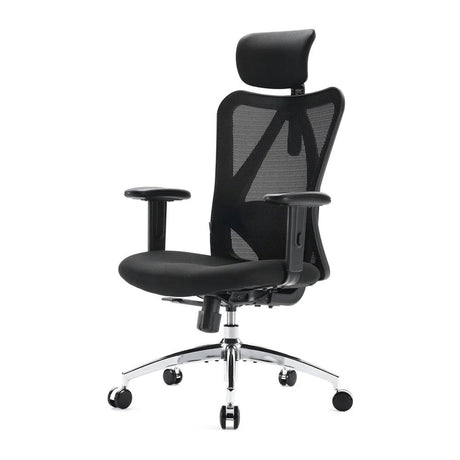
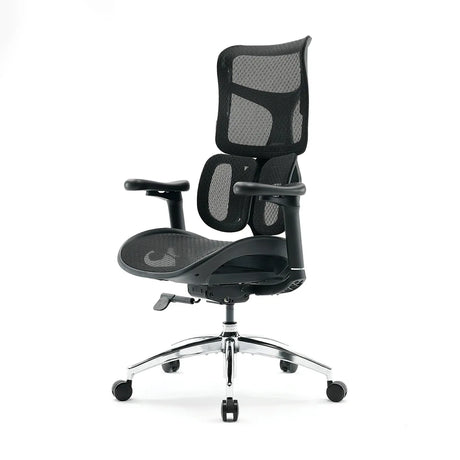
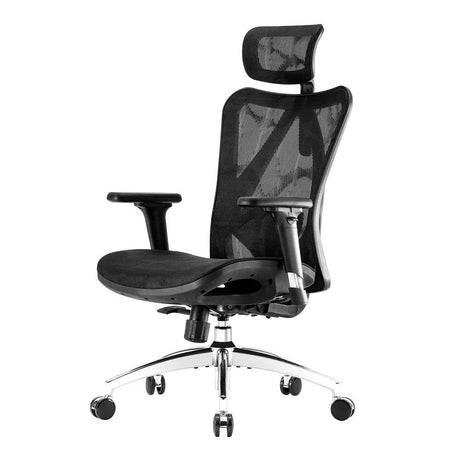
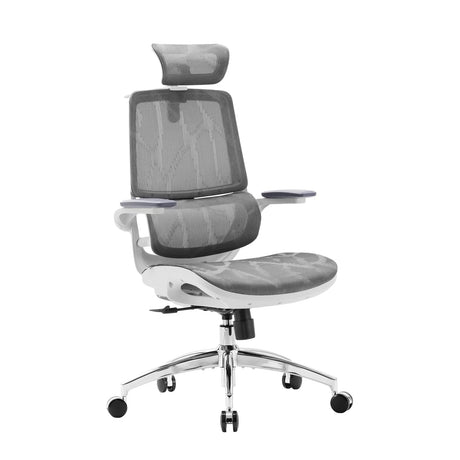
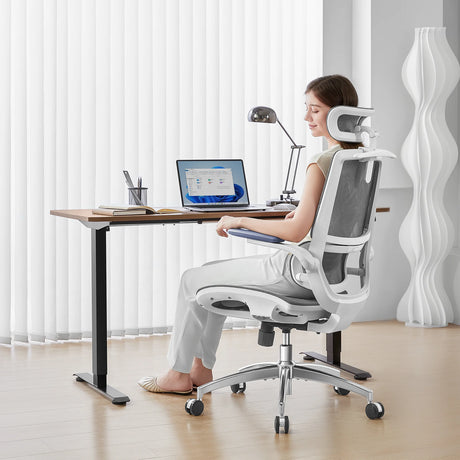
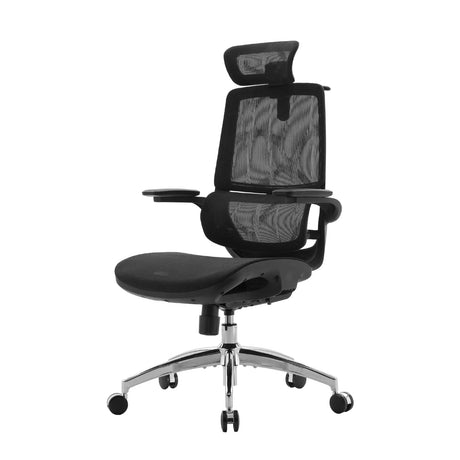
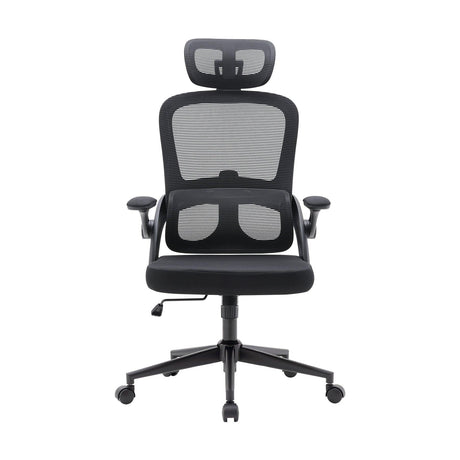
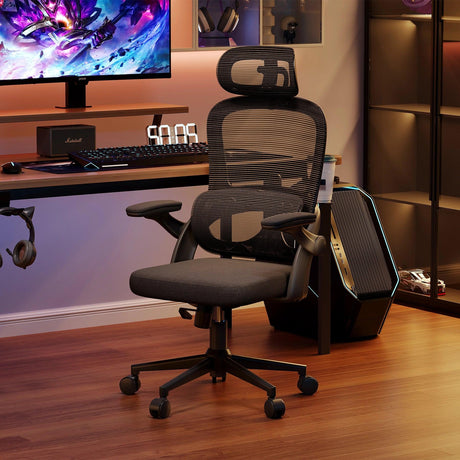
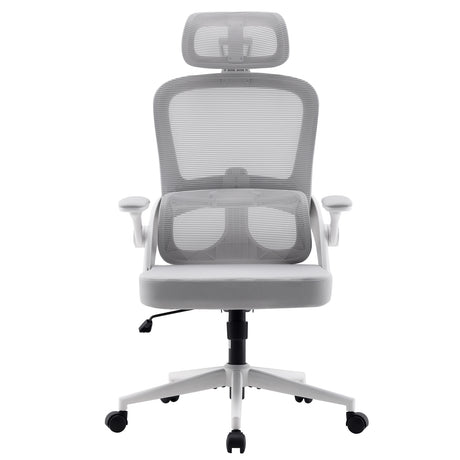
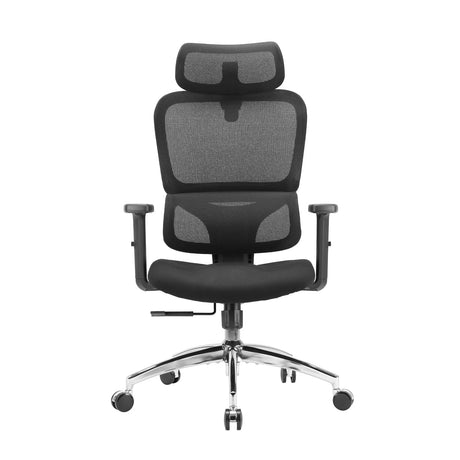
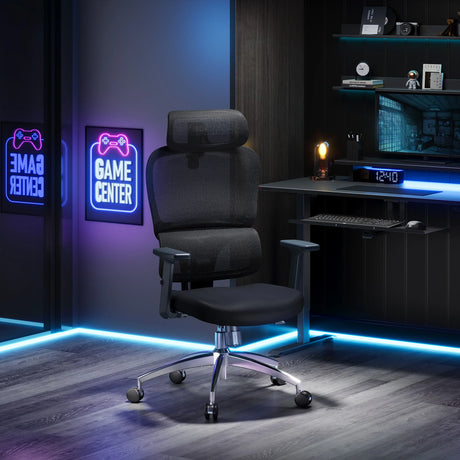
High-quality ergonomic furniture plays a central role in addressing the five ergonomic hazards, especially in offices and home work environments.
Key ergonomic features to look for:
- Dynamic lumbar support
- Adjustable armrests
- Seat height and depth adjustment
- Headrest support
- Stable, breathable materials
- Smooth reclining mechanism
- Proper desk height or standing desk adjustability
These features help users maintain neutral posture, reduce fatigue, and minimize physical stress throughout the workday.
A well-designed ergonomic chair or desk setup is not just a comfort upgrade—it is a long-term investment in health, productivity, and injury prevention.
9. Final Thoughts
Ergonomic hazards may be subtle, but their consequences are significant. Understanding the five major ergonomic hazards—repetition, awkward postures, forceful exertions, contact stress, and environmental factors—allows businesses and individuals to take proactive steps toward healthier work practices.
By redesigning workstations, adopting better movement habits, and incorporating ergonomic equipment, you can dramatically reduce the risk of musculoskeletal disorders and improve overall wellbeing.
Whether you're updating an office, enhancing a home workspace, or training a team, strong ergonomic practices pay off in comfort, health, and performance.
10. FAQs
1. What is an ergonomic hazard?
An ergonomic hazard is any workplace factor that causes strain on the body, leading to discomfort, fatigue, or injury. These hazards affect muscles, joints, tendons, and nerves.
2. What are the five main ergonomic hazards?
The five primary ergonomic hazards include:
- Repetition
- Awkward or static posture
- Forceful exertions
- Contact stress
- Environmental factors
3. Who is most at risk for ergonomic hazards?
Workers in office settings, manufacturing, healthcare, logistics, and remote work environments all face ergonomic risks. Anyone performing repetitive tasks or using poor posture is vulnerable.
4. How can I reduce ergonomic risks at my workstation?
Adjust your chair, keep your screen at eye level, ensure proper keyboard and mouse placement, take regular breaks, and maintain neutral posture.
5. Are ergonomic hazards only found in physical labor jobs?
No. Office workers often experience ergonomic hazards through prolonged sitting, repetitive typing, and poor workstation setup.
6. Why are ergonomic hazards important to address?
Ignoring ergonomic hazards can lead to chronic pain, reduced productivity, long-term injury, higher medical costs, and overall decreased wellbeing.
7. What role does ergonomic furniture play in hazard prevention?
Ergonomic chairs and desks support proper posture, reduce physical stress, and minimize repetitive or awkward movements—helping prevent musculoskeletal strain.