It is a health essential. Poor ergonomic habits can slowly accumulate into chronic pain, reduced productivity, and long-term musculoskeletal conditions. The challenge is that many of these harmful behaviors don’t feel problematic in the moment. They become invisible defaults: hunching over a laptop, sitting for hours without movement, typing with raised shoulders, or relying on a chair that is not properly adjusted.
Understanding the most common ergonomic mistakes—and learning how to avoid them—is one of the simplest and most effective ways to protect your body, improve your posture, and increase your daily productivity. In this guide, we break down the most frequent issues found across workplaces, explain why they happen, and provide practical, evidence-informed solutions you can apply immediately.
Why Ergonomics Matters
Ergonomics is the science of designing a workspace to fit the user—not forcing the user to fit the workspace. When workstations are poorly arranged, the body compensates with unnatural positions, repetitive strain, and chronic stress on muscles and joints. Over time, this leads to:
- Back pain
- Neck stiffness
- Wrist or hand discomfort
- Reduced focus
- Fatigue
- Decreased productivity
- Increased risk of long-term musculoskeletal disorders
Modern workplaces demand long periods of sitting, concentration, and digital interaction, which means small ergonomic mistakes can accumulate into bigger health issues. Correcting your work posture and setup is one of the most cost-effective investments you can make in long-term well-being.
The Most Common Ergonomic Mistakes
Below are the ergonomic errors most frequently observed across offices, home offices, classrooms, and creative studios. Many may sound simple, but they each play a significant role in long-term body health.
1. Sitting for Too Long
The most common mistake is also the most overlooked: prolonged sitting. Even in a perfectly optimized ergonomic setup, staying seated for hours restricts circulation, tightens hip flexors, and increases spinal compression.
Why It Happens
Work demands continuous computer use, meetings, writing, design work, or gaming. People often lose track of time or forget to stand.
Consequences
- Stiffness and reduced mobility
- Reduced energy levels
- Increased risk of discomfort in the lower back and hips
- Poor circulation
How to Fix It
- Stand up every 30–60 minutes.
- Incorporate micro-movement: shoulder rolls, leg stretches, simple spine rotations.
- Consider a height-adjustable desk for variety.
2. Incorrect Chair Height
This is one of the most easily overlooked but impactful mistakes. When the chair is too high or too low, the whole body compensates, leading to discomfort in the legs, hips, and lower back.
Signs Your Chair Is Too High
- Feet dangle or lightly touch the floor
- Pressure is felt under the thighs
Signs It’s Too Low
- Knees sit above hip level
- You feel “compressed” in the chair
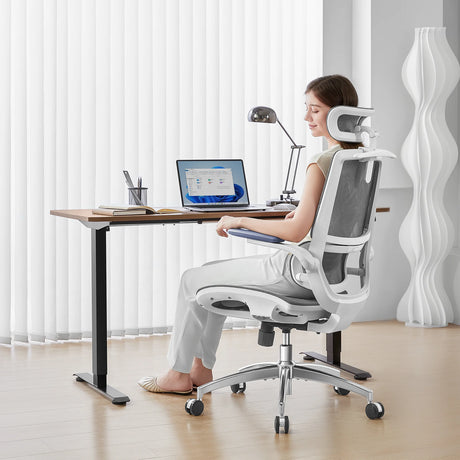
An ergonomic chair should allow feet to rest flat, with knees at or slightly below hip height.
3. Slouching or Leaning Forward
Slouching flattens the natural curve of the spine. Forward leaning places excessive strain on the neck and shoulders.
Why It Happens
- Backrest not adjusted
- Lumbar support not engaged
- Screen too far away
- Fatigue or lack of back strength
Consequences
- Increased risk of neck strain
- Tight shoulders
- Long-term postural imbalances
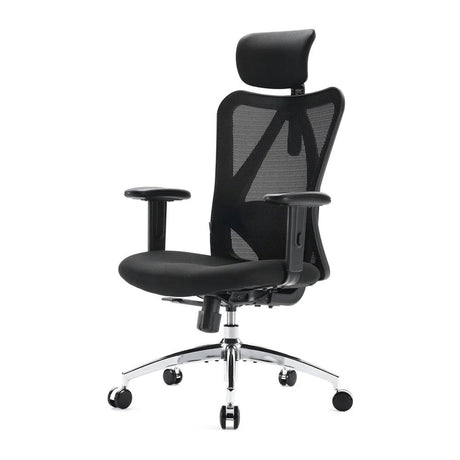
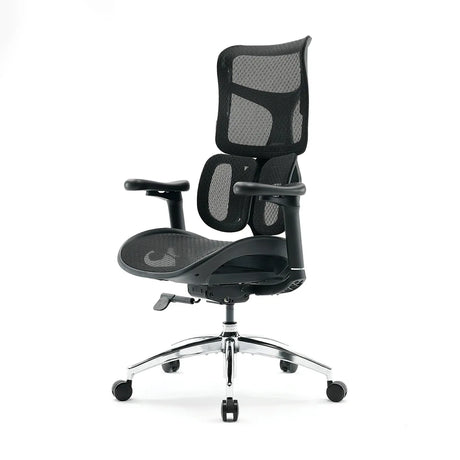
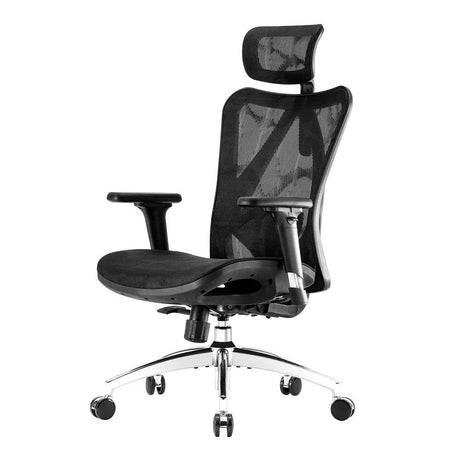
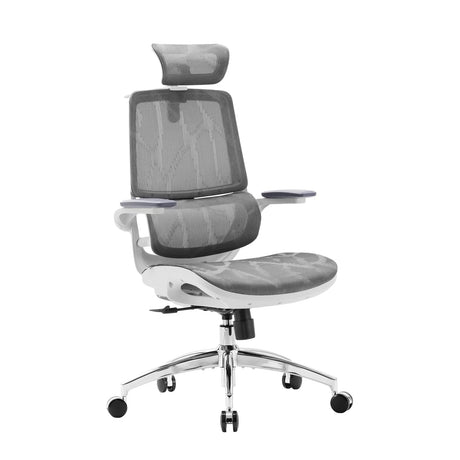
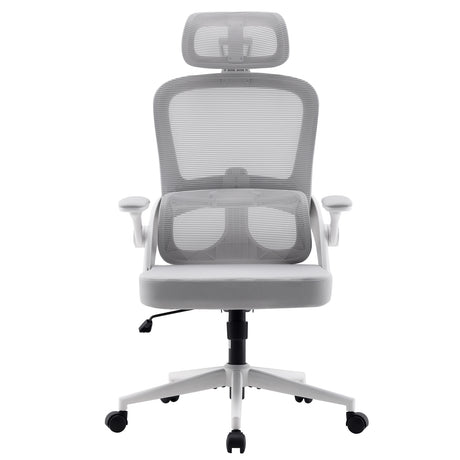
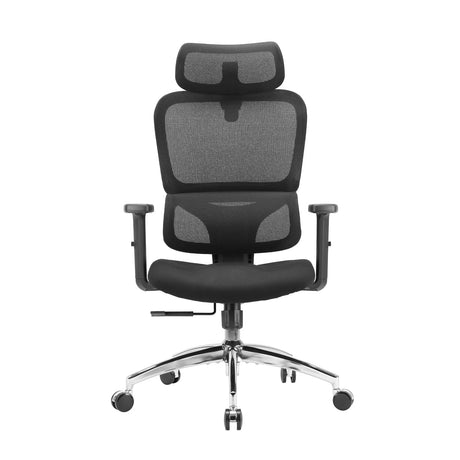
4. Using a Non-Ergonomic Chair
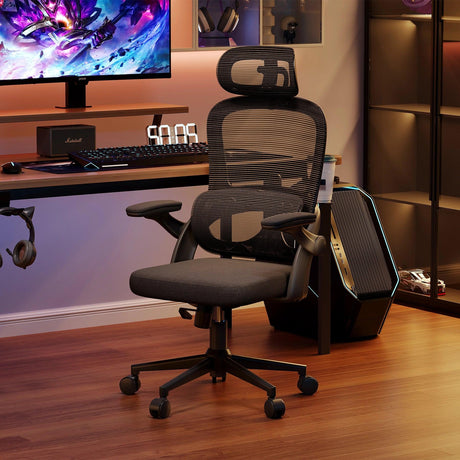
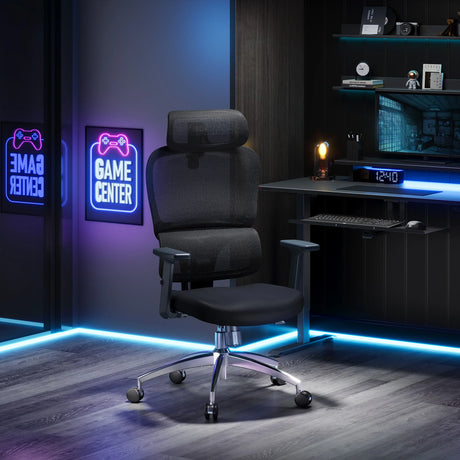
Kitchen chairs, dining chairs, sofas, stools, or gaming chairs without proper support are common substitutes, especially in home offices. These are not designed for long-term sitting.
Problems with Non-Ergonomic Chairs
- No adjustable features
- Insufficient lumbar support
- Incorrect seat depth
- Limited backrest movement
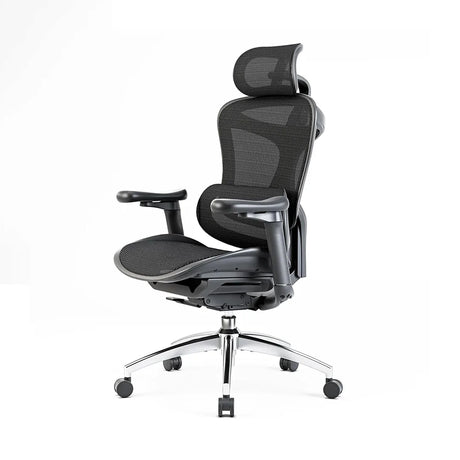
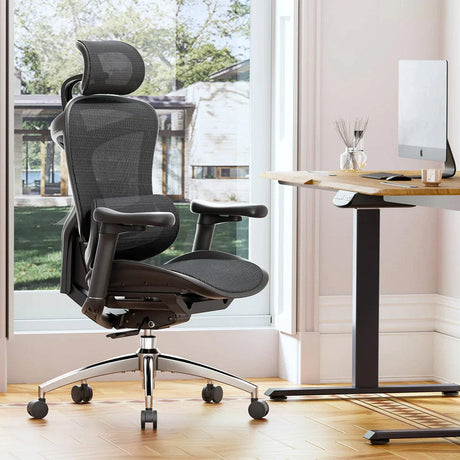
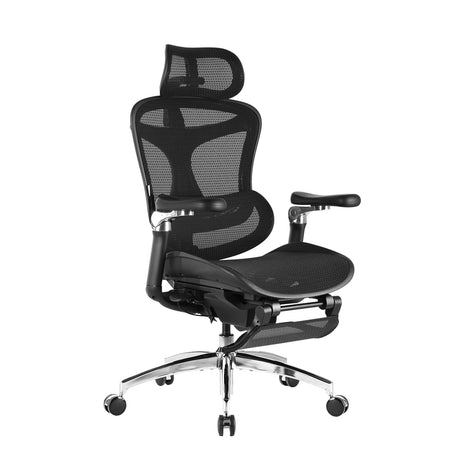
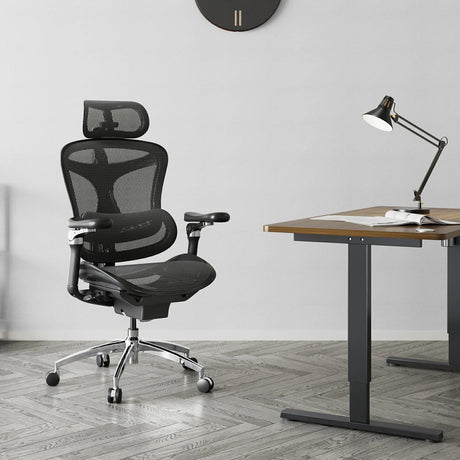
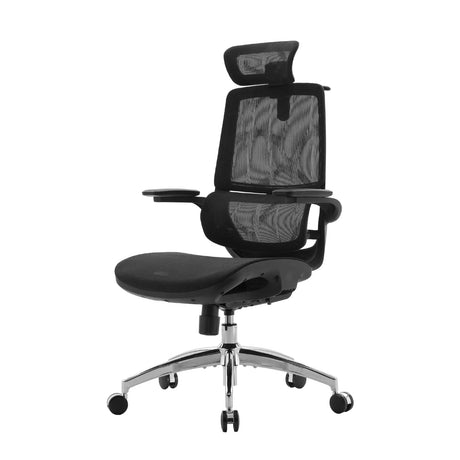
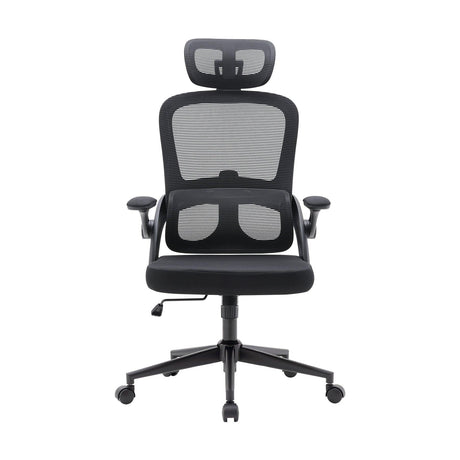
An ergonomic chair allows adjustments that support different tasks—from typing to reading to reclining.
5. Poor Monitor Height or Distance
One of the classic ergonomic mistakes is setting the monitor too low. This forces the neck to bend forward or downward—one of the leading causes of neck pain in office workers.
Ideal Monitor Position
- Top of the screen at eye level
- Screen about an arm’s length away
- No glare or harsh reflections
A laptop-only setup amplifies this problem.
6. Laptop-Only Workstations
Laptops are convenient but inherently non-ergonomic. The screen is too low and too close, and the keyboard cannot be independently adjusted.
Quick Fix
Use a laptop stand + external keyboard + mouse.
7. Incorrect Desk Height
If the desk is too high, shoulders lift. If it's too low, you hunch.
Proper Desk Height Principles
- Shoulders relaxed
- Elbows at 90–100 degrees
- Forearms parallel to the floor
Many standard desks are not built with ergonomics in mind.
8. Unsupported Lower Back
Lumbar support is essential to maintaining the natural S-curve of the spine. Without it, people slouch and fatigue faster.
Signs You Lack Lumbar Support
- You slide forward on the chair
- You use pillows as makeshift support
- You regularly need to reposition
9. Incorrect Keyboard and Mouse Positioning
Improper placement can lead to wrist strain, forearm discomfort, and shoulder tension.
Common Errors
- Keyboard too far away
- Mouse placed too high or too wide
- Wrists bent upward when typing
Better Approach
- Keep the keyboard close
- Use wrist-neutral positioning
- Adjust the armrests for elbow support
10. Ignoring Armrest Adjustments
Armrests should not push your shoulders up or force your elbows outward. Many people simply leave them at default height.
Proper Armrest Use
- Support forearms without elevating shoulders
- Keep elbows close to the body
- Help reduce tension from typing
11. Feet Dangling or Unsupported
Unsupported feet cause pressure on the thighs and reduce circulation.
Solution
- Adjust chair height
- Use a footrest if needed
12. Poor Lighting and Eye Strain
Lighting is part of ergonomics. Too much or too little causes squinting and awkward head positioning.
Fixes
- Use indirect light
- Avoid glare
- Follow the 20-20-20 rule for eye strain
13. Not Taking Breaks
Even with perfect posture, the body needs movement.
Why Breaks Matter
- Reduce stiffness
- Reset posture
- Stimulate circulation
- Improve concentration
Micro-breaks are far more effective than long, occasional breaks.
14. Twisting the Body When Reaching
Frequently reaching outside the neutral zone strains the spine and shoulders.
Solution
Arrange the workspace so essentials are within arm’s reach.
15. Using the Phone Incorrectly
Common issues include cradling the phone between the shoulder and ear or reaching frequently for it.
Better Approaches
- Use speaker or headset
- Keep phone within reach on the dominant side
16. Overreliance on Standing Desks
Standing desks are beneficial, but standing all day creates new problems.
Standing Too Long Leads To
- Foot and ankle discomfort
- Lower back fatigue
- Reduced concentration
The key is alternation, not substitution.
17. Poor Workspace Organization
Clutter forces awkward movements and increases mental fatigue.
Improve By
- Keeping essentials close
- Routing cables neatly
- Maintaining a clear desk surface
18. Using Old or Worn-Out Equipment
Chairs lose support, foam depresses, and mechanisms fail. Old keyboards or mice can cause repetitive strain.
Consider Replacing Equipment When
- The chair no longer supports your back
- The seat cushion sags
- Input devices require excessive applied force
How to Fix These Mistakes: Actionable Recommendations
Below are simple corrective steps you can apply immediately.
✔ Adjust Your Chair First
Start with seat height, then seat depth, then lumbar support, and finally armrests.
✔ Position Monitor at Eye Level
Use a monitor arm if possible.
✔ Establish Wrist-Neutral Typing
Keep wrists flat, not angled upward.
✔ Create a Movement Routine
Set reminders or use apps that encourage movement breaks.
✔ Improve Lighting
Use warm, indirect lighting and reduce screen glare.
✔ Use Support Accessories When Needed
Footrests, cushions, laptop stands, and adjustable arm supports can help.
How to Set Up an Ideal Workstation
A good workstation setup follows these principles:
Chair
- Seat height: feet flat, thighs parallel
- Lumbar support engaged
- Backrest recline: 100–110 degrees
Desk
- Height aligned with elbows
- Clear of clutter
Monitor
- Eye-level
- Arm’s length away
- No glare
Keyboard & Mouse
- Close and at elbow height
- Wrists neutral
Body Position
- Shoulders relaxed
- Hips slightly above knees
- Back supported fully
FAQ
1. What is the single biggest ergonomic mistake?
Prolonged sitting is the most widespread mistake. Even with excellent posture, staying still for too long strains the body.
2. How can I tell if my chair is at the right height?
Your feet should rest flat, and your knees should be at or slightly below hip level. If your thighs feel compressed, the chair is too high.
3. Is a standing desk enough to fix bad ergonomics?
No. Standing too long creates its own problems. The ideal approach is alternating between sitting and standing throughout the day.
4. What if I only use a laptop?
Use a laptop stand and connect an external keyboard and mouse. This transforms a laptop into a more ergonomic setup.
5. How often should I take breaks?
A standing or movement break every 30–60 minutes is recommended. Even 30 seconds of stretching can make a difference.
6. Are ergonomic chairs worth it?
Yes. High-quality ergonomic chairs provide adjustable lumbar support, proper seat depth, and movement mechanisms that maintain healthy posture.
7. What is the best posture for working?
The best posture is one that changes frequently. Aim for a neutral alignment—hips slightly above knees, back supported, shoulders relaxed—but shift positions throughout the day.
8. Why do I still feel discomfort even after improving my setup?
The body may take time to adapt to new positions. Additionally, movement and breaks are just as important as equipment or posture.
9. What should I do if my desk is too high and not adjustable?
Raise your chair and use a footrest so your feet remain supported.
10. Does lighting really matter in ergonomics?
Absolutely. Poor lighting leads to eye strain and awkward neck postures. Balanced, indirect lighting is key.
Conclusion
Most ergonomic mistakes are small, subtle habits that accumulate over time—slouching, leaning forward, sitting too long, using a poorly adjusted chair, or working on a laptop without external accessories. The good news is that these mistakes are easy to correct once you’re aware of them.
A well-designed workstation, paired with healthy movement habits, does more than reduce discomfort. It boosts productivity, enhances focus, and protects your long-term health. Whether you're working from home, designing in a studio, or managing tasks in a corporate office, taking control of your ergonomics is one of the most valuable investments you can make.