In every modern workplace—whether it’s an office, healthcare setting, factory, laboratory, or remote workstation—ergonomics plays a critical role in protecting worker health and maintaining productivity. Yet ergonomic risks often remain invisible until they begin causing pain, fatigue, or long-term injury. Understanding what ergonomic hazards are, how they occur, and how to prevent them is essential not only for compliance but also for long-term organizational well-being.
This guide breaks down the seven most common ergonomic hazards, why they matter, how to spot them early, and what practical steps individuals and employers can take to reduce the risk. Along the way, we will answer the foundational question many professionals ask: “What is ergonomic hazards?” This anchor text will help connect you to a deeper explanation later in the article.
Table of Contents
-
Introduction: Why Ergonomics Matters
-
What Is an Ergonomic Hazard?
-
The Seven Ergonomic Hazards
-
How Ergonomic Hazards Affect Worker Health
-
Recognizing Early Warning Signs
-
Strategies to Reduce or Eliminate Ergonomic Hazards
-
Employer Responsibilities and Best Practices
-
Conclusion
- FAQ
1. Introduction: Why Ergonomics Matters
Organizations today are increasingly aware of mental health, safety protocols, and environmental sustainability, but ergonomics is still surprisingly overlooked. Ergonomic problems are often subtle and develop slowly, but their long-term consequences are significant. According to various occupational safety bodies, ergonomic issues are among the leading causes of workplace injuries, lost productivity, and musculoskeletal disorders (MSDs).
The good news? Most ergonomic hazards are preventable with proper design, training, and early intervention.
Before diving deeper into the seven ergonomic hazards, it is important to establish a clear definition of the term itself.
2. What Is an Ergonomic Hazard?
Simply put, an ergonomic hazard is any workplace condition that puts the body under unnecessary strain—whether physical, cognitive, or environmental—leading to discomfort, pain, or injury over time. These hazards are not always dramatic, like a fall or collision. Instead, they often take the form of repeated small stressors that accumulate and eventually trigger serious health issues.
To provide a more detailed explanation on this topic, see our linked resource using the anchor text:
You will find the expanded definition at the dedicated section later in the article.
Ergonomic hazards are commonly associated with:
- Poor workstation setup
- Improper equipment use
- Repetitive tasks
- Lack of motion or prolonged static postures
- Excessive force or pressure on specific body parts
Understanding and addressing ergonomic hazards early can drastically reduce workplace injuries and improve overall comfort.
3. The Seven Ergonomic Hazards
Below are the seven primary ergonomic hazards identified across industries. While they often overlap, each has unique characteristics and requires different preventive approaches.
1. Awkward Postures
What It Is
Awkward posture refers to body positions that deviate significantly from the neutral, natural alignment of the spine and joints. Common examples include:
- Hunching over a laptop
- Twisting while seated
- Reaching overhead frequently
- Bending repeatedly at the waist
- Excessive neck flexion
Why It’s Harmful
The human musculoskeletal system is designed to function efficiently in neutral alignment. When the body repeatedly works outside this position:
- Muscles fatigue faster
- Ligaments strain
- Joints experience uneven pressure
- Blood flow decreases
Over time, these stresses can cause chronic back pain, neck stiffness, tendon inflammation, and disc issues.
Typical Work Situations
- Office workers using screens positioned too low
- Warehouse workers constantly bending to lift
- Medical professionals performing procedures in constrained spaces
- Designers or artists leaning over work surfaces
How to Prevent It
- Maintain proper ergonomic desk setup
- Raise monitors to eye level
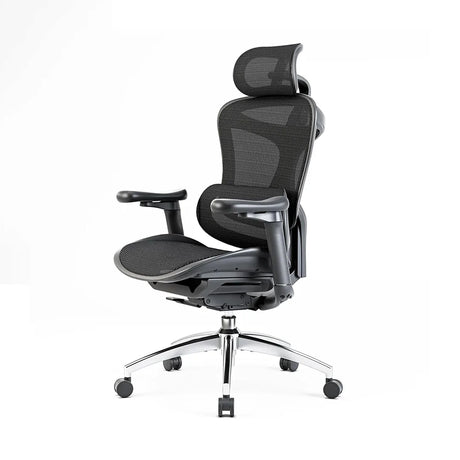
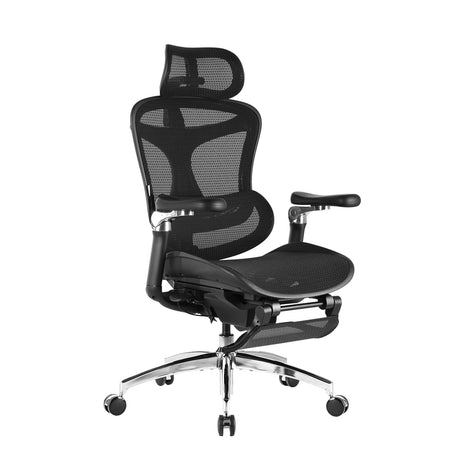
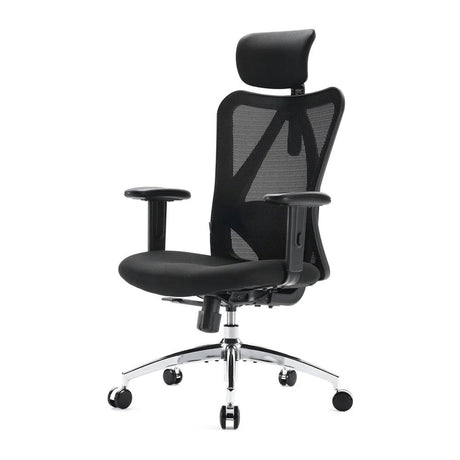
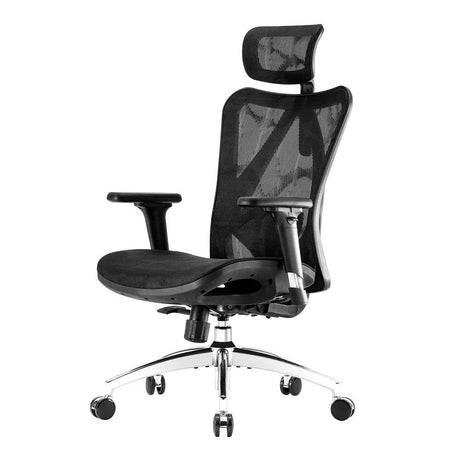
- Use adjustable chairs with lumbar support
- Arrange tools within easy reach
- Encourage micro-breaks to restore posture
2. Repetitive Movements
What It Is
Repetitive motion occurs when the same muscles or joints perform identical tasks again and again without adequate rest.
Common Examples
- Keyboard typing
- Scanning items at checkout
- Assembly line tasks
- Using hand tools continuously
- Texting or mobile device use
Why It’s Harmful
Repetitive tasks strain muscles, tendons, and nerves, contributing to disorders like:
- Carpal tunnel syndrome
- Tendinitis
- Trigger finger
- Shoulder impingement
Early Warning Signs
- Tingling or numbness
- Loss of grip strength
- A persistent dull ache
How to Prevent It
- Alternate tasks when possible
- Use ergonomic tools (split keyboards, vertical mice, etc.)
- Take short breaks every 30–60 minutes
- Implement job rotation in industrial settings
3. Forceful Exertions
What It Is
Any task requiring significant muscular effort—lifting, gripping, pushing, or pulling—creates forceful exertion.
Examples
- Lifting heavy boxes
- Pulling equipment carts
- Tight grasping of manual tools
- Using equipment with high resistance
Why It’s Harmful
Excessive force increases the load on muscles and connective tissues, accelerating fatigue and raising injury risk. Combined with awkward posture or repetition, the danger grows exponentially.
Prevention Strategies
- Use mechanical aids (dollies, hoists, lift-assist devices)
- Reduce load weight where possible
- Train workers in safe lifting techniques
- Improve handle design for better grip
4. Contact Stress
What It Is
Contact stress happens when a body part repeatedly encounters a hard or sharp surface, creating concentrated pressure.
Examples
- Resting wrists on sharp desk edges
- Kneeling on hard flooring
- Leaning forearms against machine edges
- Using tools with hard handles
Why It’s Harmful
Local pressure restricts blood flow and compresses nerves or soft tissues, potentially causing:
- Nerve irritation
- Bruising
- Reduced circulation
- Long-term discomfort
How to Prevent It
- Add padding or edge protectors
- Use anti-fatigue mats
- Wear gloves when necessary
- Adjust furniture to eliminate sharp contact points
5. Vibration
What It Is
Vibration can be whole-body (driving trucks, heavy machinery) or hand-arm (power drills, jackhammers).
Why It’s Harmful
Exposure to vibration for prolonged periods can lead to:
- Reduced blood flow
- Hand-arm vibration syndrome (HAVS)
- Chronic back pain
- Loss of fine motor control
Prevention Measures
- Limit exposure duration
- Maintain equipment to reduce vibration output
- Use vibration-dampening gloves
- Rotate high-vibration tasks among workers
6. Environmental Conditions
What It Is
Environmental ergonomic hazards include external conditions that create physical strain.
Examples
- Extreme heat or cold
- Poor lighting
- High noise levels
- Inadequate ventilation
Why It’s Harmful
Environmental factors affect posture, cognition, movement, and comfort. For example:
- Poor lighting causes hunching or eye strain
- Excessive heat leads to fatigue
- Cold temperatures reduce dexterity
Prevention Strategies
- Adjust lighting (natural light + task lighting)
- Maintain comfortable temperature ranges
- Improve acoustics
- Provide proper ventilation
7. Poor Workstation or Workflow Design
What It Is
A poorly designed workstation is the root cause of many ergonomic hazards. When the physical layout doesn't support the natural position of the body, injuries can occur.
Examples
- Non-adjustable chairs
- Desks that are too high or low
- Monitors positioned incorrectly
- Tools placed too far from the worker
- Workflows requiring unnecessary bending or reaching
Why It’s Harmful
Bad design multiplies the effects of other hazards (awkward posture, repetition, force). It forces workers into compensatory movements that cause strain over time.
How to Fix It
- Invest in ergonomic furniture
- Customize workstation layout for each user
- Adjust height, angles, and distances
- Map workflow to reduce unnecessary motion
4. How Ergonomic Hazards Affect Worker Health
Ergonomic hazards cause a spectrum of musculoskeletal disorders (MSDs) and soft-tissue injuries. The most common include:
- Lower back pain
- Neck and shoulder strain
- Carpal tunnel syndrome
- Tendinitis
- Rotator cuff injuries
- Sciatica
- Hip and knee strain
Beyond physical injury, ergonomic issues also lead to:
- Fatigue
- Reduced concentration
- Irritability
- Lowered workplace satisfaction
- Higher absenteeism rates
Organizations that invest in ergonomics often see reduced injury claims and higher productivity.
5. Recognizing Early Warning Signs
Ergonomic injuries often build gradually. Identifying symptoms early can prevent long-term damage.
Common warning signs:
- Dull aching in the neck, back, or wrists
- Tingling or numbness in extremities
- Discomfort that improves when away from work
- Reduced range of motion
- Grip weakness
- Stiffness after prolonged sitting
Employees should report symptoms as soon as they appear so adjustments can be made.
6. Strategies to Reduce or Eliminate Ergonomic Hazards
1. Invest in Adjustable Furniture
Chairs with lumbar support, height-adjustable desks, and swiveling monitors allow users to maintain a neutral posture.
2. Conduct Ergonomic Assessments
Workplace evaluations help identify hazards early.
3. Improve Training and Awareness
Employees must understand how to set up workstations properly.
4. Encourage Movement
Static postures increase strain. Promote micro-breaks, stretch routines, and task variety.
5. Redesign Workflows
Reduce unnecessary repetition, force, and awkward posture through better layout planning.
6. Use Ergonomic Tools
From vertical mice to padded mats, specialized equipment can significantly reduce strain.
7. Monitor and Review
Ergonomics is an ongoing process. Regular checks ensure sustained safety.
7. Employer Responsibilities and Best Practices
Employers have a legal and ethical duty to maintain safe working conditions. Best practices include:
- Providing ergonomically appropriate equipment
- Offering periodic training
- Performing annual assessments
- Encouraging early reporting
- Implementing return-to-work accommodations if injuries occur
- Creating a culture where worker comfort is prioritized
Companies that prioritize ergonomics often benefit from:
- Reduced injury claims
- Higher employee retention
- Improved work quality
- Better overall morale
8. Conclusion
Understanding the seven ergonomic hazards is essential for creating safer, more comfortable, and more productive workplaces. While these hazards vary in type—awkward posture, repetitive tasks, force, contact stress, vibration, environmental factors, and poor workstation design—they share one trait: they are largely preventable.
By addressing ergonomic risks proactively, both employers and employees can reduce injuries, preserve long-term health, and support a more efficient workplace environment.
For additional detail, refer to our expanded explanation using this anchor text:
This improved knowledge base is the foundation for a safer and more ergonomic workplace.
9. FAQ
1. What is the definition of an ergonomic hazard?
An ergonomic hazard is a workplace condition that puts physical or cognitive strain on the body, increasing the risk of musculoskeletal disorders, fatigue, or injury.
2. How do I know if my workstation is causing ergonomic risk?
Common signs include neck or back discomfort, wrist pain, tingling in fingers, and stiffness after prolonged sitting. Improper chair height, poor monitor alignment, and repetitive tasks are common culprits.
3. What industries have the highest ergonomic risks?
Manufacturing, healthcare, logistics, agriculture, and office environments all face high ergonomic risks, though the specific hazards differ.
4. Can ergonomic hazards cause long-term injury?
Yes. Untreated ergonomic issues can lead to chronic pain, tendon damage, nerve compression, and reduced mobility.
5. What role does equipment play in preventing ergonomic hazards?
Proper equipment—ergonomic chairs, adjustable desks, supportive tools—helps workers maintain neutral posture and reduces strain.
6. How often should employers perform ergonomic assessments?
At least once per year, or whenever workstation layouts, tools, or job roles change.
7. Do remote workers face ergonomic hazards?
Absolutely. In fact, home workspaces often lack proper ergonomic setups, increasing risks related to posture, screen height, and seating.