Modern workplaces—whether office-based, hybrid, or fully remote—are evolving faster than ever. But even with better chairs, adjustable desks, and digital tools, one thing remains constant: ergonomic risk factors still account for a significant portion of work-related discomfort and injuries.
Understanding these risks isn’t just good practice for employers—it’s essential knowledge for anyone who spends long hours sitting, typing, lifting, or performing repetitive tasks. Small ergonomic problems accumulate over time, affecting comfort, productivity, and long-term health.
In this detailed guide, we take a closer look at the top three ergonomic risk factors, examine how they influence the body, and offer science-backed solutions to reduce strain. Whether you’re responsible for workplace safety or simply trying to improve your personal setup, this article covers everything you need to know.
Table of Contents
-
Introduction
-
What Are Ergonomic Risk Factors?
- The Top 3 Ergonomic Risk Factors
- Secondary and Emerging Ergonomic Risks
- Why Addressing Ergonomic Risks Matters
- How to Reduce the Top 3 Ergonomic Risk Factors
- Industry-Specific Examples
- Ergonomics in Remote and Hybrid Work
- Building an Ergonomic Culture
- Conclusion
- FAQ
1. Introduction
When we think about health and safety at work, images of hard hats and safety goggles usually come to mind. But there’s another category of workplace risk—silent, gradual, and often overlooked—that affects nearly every profession: ergonomic risks.
Unlike immediate accidents, ergonomic problems develop slowly. You may notice mild discomfort at first—tight shoulders, wrist stiffness, or lower-back pressure. Over time, these warning signs can progress into chronic pain, reduced mobility, or musculoskeletal disorders (MSDs) that limit productivity and impact quality of life.
The good news? Most ergonomic risks can be significantly reduced or eliminated with proper setup, healthy work habits, and awareness.
This article explores the three leading ergonomic risk factors recognized by occupational safety agencies, ergonomists, and medical professionals. By understanding them, you’ll be better equipped to design healthier workspaces and protect your long-term comfort.
2. What Are Ergonomic Risk Factors?
Ergonomic risk factors are workplace conditions or behaviors that increase the likelihood of strain on the musculoskeletal system. This includes the muscles, joints, tendons, nerves, ligaments, and spinal structures.
They emerge when the demands of a task exceed the body's neutral alignment or natural physical capabilities. Over time, they can cause fatigue, inflammation, stiffness, or injuries that affect mobility and comfort.
Ergonomic risk factors are commonly linked to:
- Poor workstation setup
- Sedentary work habits
- Repetitive processes
- High-intensity physical labor
- Improper lifting techniques
- Lack of rest or movement
- Tools or equipment that don’t fit the user
Not all ergonomic risks are obvious. Some build up slowly, while others are tied to specific tasks like typing or lifting. This is why understanding the most influential categories is essential for prevention.
3. The Top 3 Ergonomic Risk Factors
While there are multiple types of ergonomic hazards, research from NIOSH, OSHA, and global ergonomics organizations consistently identifies three primary factors that contribute to the majority of work-related strain.
1. Awkward Postures
Awkward or non-neutral postures place unnecessary stress on joints, ligaments, and muscles. A neutral posture is one where the body is aligned naturally—shoulders relaxed, spine neutral, wrists straight, and hips balanced.
When posture deviates from this neutral state for extended periods, it becomes an ergonomic risk.
Examples of awkward postures
- Bending or twisting the spine
- Leaning forward or hunching
- Reaching overhead or outward
- Working with wrists bent
- Sitting without lower-back support
- Tilting the head downward at sharp angles
- Perching on the edge of a chair
These movements don’t always feel harmful in the moment—but they create micro-stressors that accumulate.
Why awkward postures are harmful
The human body is designed for movement, not static holding patterns. A sustained awkward posture increases:
- muscle fatigue
- pressure on disks and joints
- nerve compression
- reduced blood circulation
- tendon and ligament strain
Sitting in a slouched position, for example, increases spinal load by as much as 40%. Over weeks and months, the risk of back pain, neck strain, and shoulder tension increases significantly.
Common workplace sources
- Poor chair ergonomics
- Incorrect monitor height
- Low-quality desk setups
- Non-adjustable tools (screens, keyboards, armrests)
- Lifting objects from below knee height
- Carrying loads on one side
- Using laptops for long periods without external accessories
2. Repetitive Motions
Repetition is a major ergonomic challenge in both office and industrial settings. A motion becomes a risk factor when it is:
- performed frequently
- done without adequate rest
- combined with awkward posture
- high-speed or forced
Even small movements—typing, clicking a mouse, scanning items—can overload tissues when repeated thousands of times daily.
Industries and tasks with repetitive motion risks
- Office work (typing, mousing)
- Manufacturing and assembly
- Warehouse scanning
- Retail checkout
- Hair styling
- Delivery work
- Packaging and sorting
How repetitive motions cause strain
Repetition reduces the body’s ability to recover between cycles. Over time, muscles become fatigued, tendons become irritated, and nerves can become compressed.
This is why repetitive tasks are closely associated with conditions like:
- tendonitis
- carpal tunnel syndrome
- trigger finger
- rotator cuff strain
- elbow tendinopathy
Why repetitive motion is dangerous
Even if each individual movement is low-effort, cumulative strain can be significant. Repetition becomes especially harmful when paired with:
- poor posture
- forceful exertions
- inadequate breaks
- improperly sized tools
3. Forceful Exertions
Forceful exertions include any task requiring physical effort—lifting, pushing, pulling, gripping, or carrying.
The human body can handle force, but when loads exceed safe limits or are applied incorrectly, the risk of injury increases dramatically.
Examples of forceful exertions
- Lifting heavy boxes
- Pushing carts or equipment
- Pulling stuck objects
- Carrying uneven loads
- Using tools with high resistance
- Gripping objects tightly for long periods
Force isn't always obvious—sometimes it’s the combination of weight, posture, and repetition that makes a task dangerous.
Why forceful exertions cause ergonomic strain
Applying excessive force stresses the musculoskeletal system. It can overload:
- lower-back structures
- shoulders and arms
- knee joints
- spine and pelvis
- grip muscles
Unexpected forces—like lifting a shifting load—also increase the risk of acute strains and long-term degeneration.
Common sources in the workplace
- Manual handling tasks
- Stockroom work
- Construction
- Food preparation
- Healthcare patient handling
- Automotive repair
- Warehouse pallet movement
Forceful exertions often interact with the other two main risk factors, making them even more hazardous. For example, lifting a box while twisting or bending significantly increases the risk of injury.
4. Secondary and Emerging Ergonomic Risks
Although the top three factors account for most ergonomic challenges, several secondary risks are increasingly recognized:
Static loading
Holding a posture—such as standing still or gripping a tool—is physically demanding despite minimal movement.
Contact stress
Pressure against a hard surface (desk edges, tool handles) can compress nerves and blood vessels.
Vibration exposure
Common in construction and equipment operation; can lead to hand-arm vibration syndrome and circulatory problems.
Poor environmental conditions
Lighting, temperature, air quality, and noise can affect posture and movement patterns.
Digital fatigue
Extended screen time causes eye strain, neck tension, and postural issues.
These aren’t always the primary sources of injury, but they compound problems when combined with the top three risk factors.
5. Why Addressing Ergonomic Risks Matters
Ergonomics is not just about comfort—it has measurable benefits for health, performance, and organizational efficiency.
Health benefits
- reduces musculoskeletal disorders
- lowers fatigue and tension
- improves circulation and mobility
- protects long-term joint health
Performance benefits
- increased productivity
- improved accuracy and focus
- fewer interruptions due to discomfort
Organizational benefits
- reduced absenteeism
- fewer injury claims
- lower worker’s compensation costs
- higher employee satisfaction and retention
Ergonomics is both preventive and strategic—it protects individuals while strengthening the organization as a whole.
6. How to Reduce the Top 3 Ergonomic Risk Factors
Minimizing ergonomic risks doesn’t always require expensive equipment. Often, small adjustments make a meaningful difference.
Reducing awkward postures
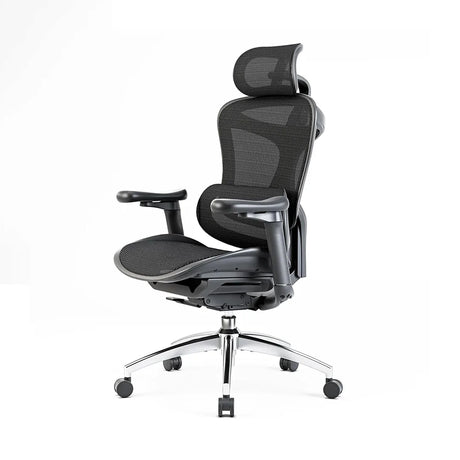
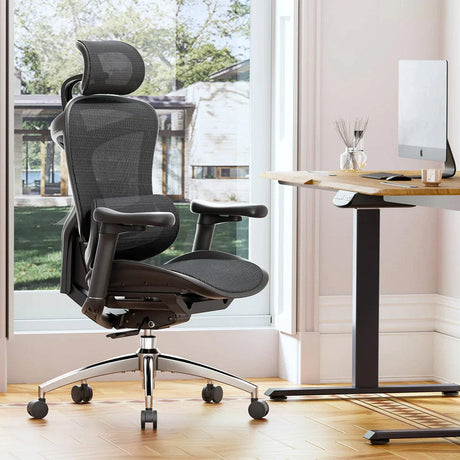
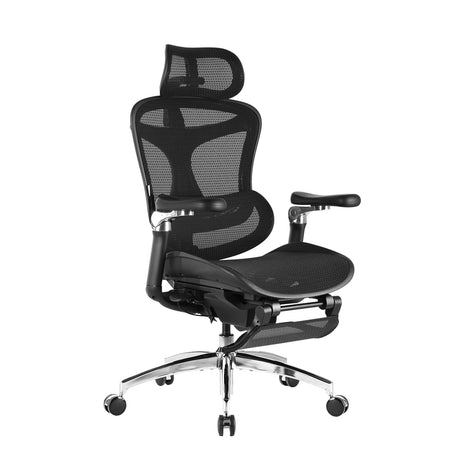
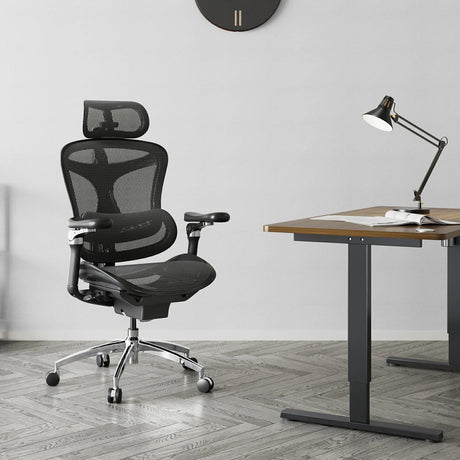
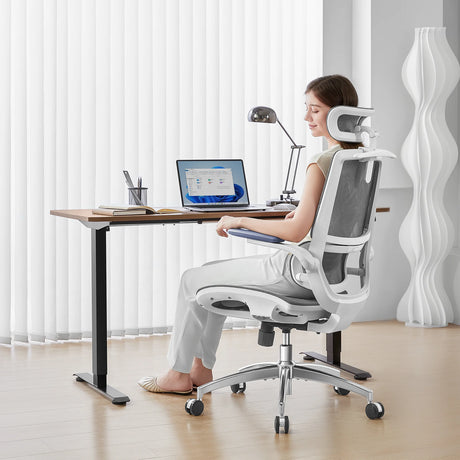
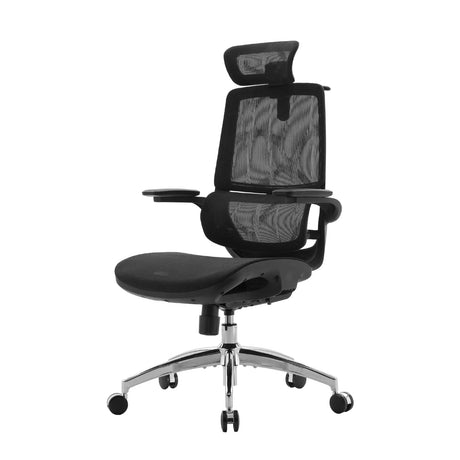
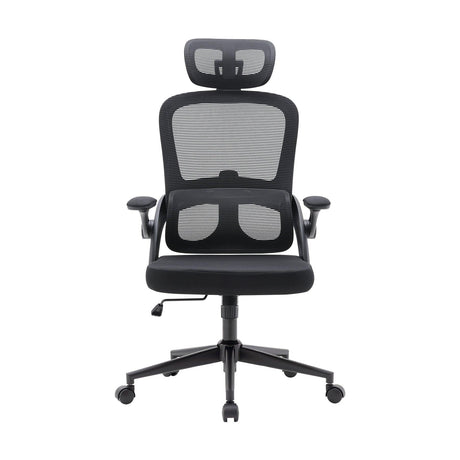
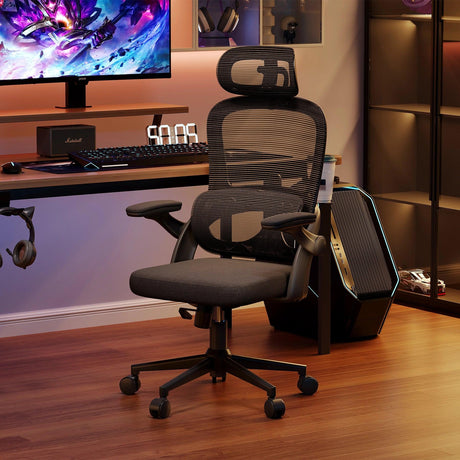
- Use an ergonomic chair with lumbar support.
- Adjust the monitor so the top of the screen is at eye level.
- Keep elbows close to the body and forearms parallel to the floor.
- Position the keyboard so wrists stay straight.
- Sit with hips slightly above knees.
- Use footrests or monitor arms when needed.
- Avoid slouching or leaning forward.
Reducing repetitive motions
- Alternate tasks throughout the day.
- Use ergonomic keyboards, vertical mice, or tool upgrades.
- Introduce short micro-breaks every 30–45 minutes.
- Automate or streamline repetitive steps using software.
- Use two monitors to reduce overuse of the neck and mouse-hand.
Reducing forceful exertions
- Lift with legs, not the back, keeping loads close to the body.
- Use carts, trolleys, and mechanical aids whenever possible.
- Store heavy items at waist height.
- Reduce grip force through padded handles or better tool design.
- Avoid sudden or twisting movements during lifting.
Proactive ergonomics is as much about habits as it is about equipment.
7. Industry-Specific Examples
Ergonomic risks vary widely by profession. Here are some real-world examples:
Office workers
- awkward posture from poorly adjusted chairs
- repetitive motions from typing
- force through excessive mouse clicking
- neck strain from laptop use
Manufacturing workers
- forceful exertion from material handling
- repetition from assembly tasks
- awkward postures in tight spaces
Healthcare professionals
- patient lifting (high-force tasks)
- reaching awkwardly during procedures
- fast-paced, repetitive routines in clinical settings
Retail and warehouse employees
- heavy lifting
- repetitive scanning
- prolonged standing
- quick, repetitive stocking tasks
Understanding the dominant risk factors in each industry helps tailor better solutions.
8. Ergonomics in Remote and Hybrid Work
As more people work from home, new ergonomic challenges have emerged—mostly due to improvised setups.
Common home-office risks
- working from couches or beds
- laptop-only setups causing neck flexion
- chairs without lumbar support
- leaning forward due to small screens
- limited movement during long video calls
Improving at-home ergonomics
- use a supportive chair
- raise the laptop with a stand
- add an external keyboard and mouse
- schedule movement breaks every hour
- organize cables and devices to reduce reaching
Small upgrades create a better long-term foundation for comfort and productivity.
9. Building an Ergonomic Culture
Ergonomics is most effective when integrated into daily workplace behavior—not treated as a one-time fix.
Key steps to create an ergonomic-first environment
- Conduct regular ergonomic assessments
- Encourage open reporting of discomfort
- Train employees on posture and lifting
- Provide adjustable furniture and tools
- Implement rotation schedules for repetitive tasks
- Promote micro-breaks and movement
- Update ergonomic protocols as work evolves
A healthy ergonomic culture not only prevents injuries but also promotes well-being and morale.
10. Conclusion
Ergonomic risk factors are among the most widespread workplace challenges, affecting both physical health and professional performance. While there are many contributing elements, the top three—awkward postures, repetitive motions, and forceful exertions—are responsible for most long-term strain and musculoskeletal issues.
The solution lies in awareness, practical equipment adjustments, healthier work habits, and a proactive approach to workplace design. By addressing these factors early, individuals and organizations can create environments that support comfort, efficiency, and longevity.
Ergonomics isn’t just about preventing injury—it’s about optimizing the way we work, feel, and function every day.
FAQ
1. What is the most common ergonomic risk factor?
Awkward posture is generally considered the most widespread risk factor, especially in office-based environments where people sit for long periods.
2. Can ergonomic risk factors cause long-term injury?
Yes. Repetitive motions, poor posture, and forceful exertions can lead to chronic musculoskeletal disorders if not addressed.
3. How can I improve my workstation ergonomics?
Start with the basics: adjust your chair for lumbar support, raise your monitor to eye level, keep elbows near your body, and ensure your wrists stay neutral while typing.
4. How often should I take breaks during desk work?
Short movement breaks every 30–45 minutes help reduce stiffness and improve circulation.
5. Do ergonomic chairs really make a difference?
Yes—ergonomic chairs support natural spinal alignment, reduce pressure points, and help maintain neutral posture during long work periods.
6. What industries face the highest ergonomic risks?
Manufacturing, warehousing, construction, healthcare, and office-based industries all face significant—but different—ergonomic challenges.
7. Are ergonomic injuries covered by workplace safety regulations?
Many regions recognize musculoskeletal disorders as workplace injuries, and employers are expected to take preventive measures.
8. Is standing better than sitting for ergonomics?
Neither position is perfect in isolation. The best approach is movement variety—switching between sitting and standing throughout the day.